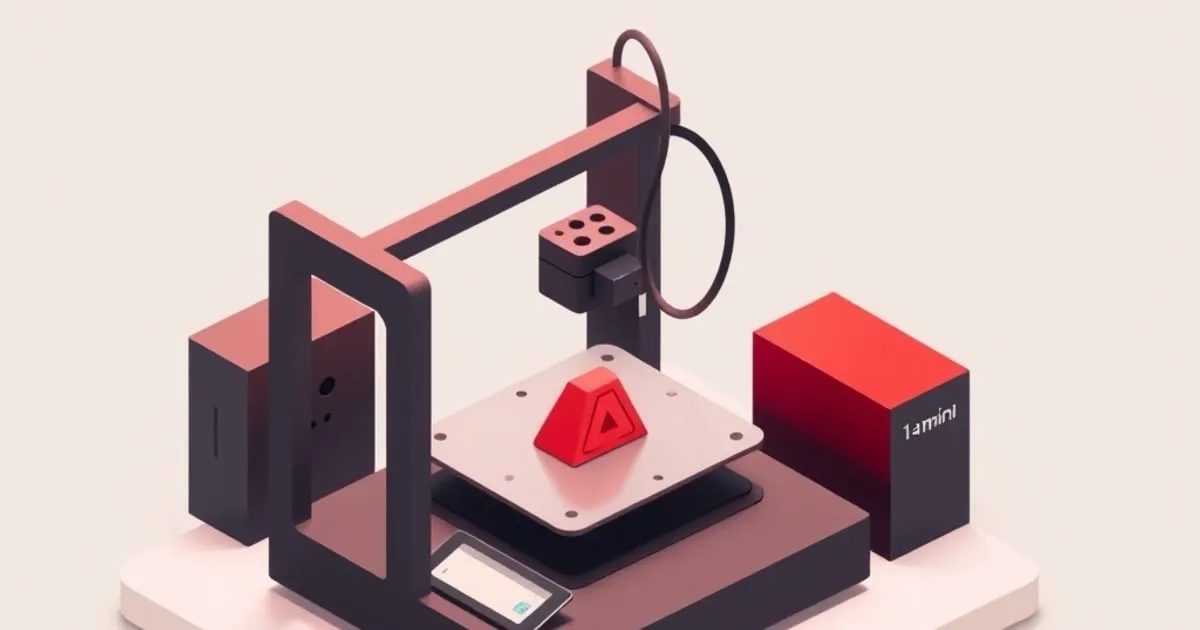
Bambu Lab A1 mini Review: The Best Entry-Level Printer Now
The Bambu A1 mini delivers auto-calibrated, fast bed-slinger printing at the entry price point. Here's what you actually get, what you give up, and
The Bambu Lab A1 mini is the company’s cheapest entry point. For that price you get a fast bed-slinger with vibration compensation, automatic bed leveling, and compatibility with the AMS Lite multi-material system. A few years ago, none of that existed at the budget end of the market. The A1 mini changed what “entry level” means.
I’ve been running one alongside my X1 Carbon for several weeks. Here’s the honest report.
What Is the A1 mini
The A1 mini is Bambu’s small-format open-frame bed-slinger — the toolhead moves in X/Y on a single gantry and the bed moves in Z. It is not a CoreXY machine and it is not enclosed; that is the core thing separating it from the P1/X1 line. Build volume is 180×180×180mm, smaller than the X1C’s 256×256×256mm but sufficient for the majority of consumer prints.
Key specs:
- Max print speed: 500mm/s rated, but realistically run well below that for quality output
- Bed leveling: automatic multi-point mesh leveling, fully hands-off
- Filament: Works with PLA, PETG, TPU (direct drive), limited ABS support (no enclosure)
- AMS Lite: Available, up to 4-color printing
- Camera: Yes, basic
It’s not enclosed. This is the biggest limitation and the main thing that differentiates it from the enclosed machines in our P1S vs X1 Carbon comparison.
Print Quality for the Price
Print quality at moderate speeds on PLA is excellent. Dimensional accuracy on calibration cubes is tight on X/Y, and layer lines at 0.2mm height are consistent with no obvious banding.
For a printer at this price, that’s remarkable.
The vibration compensation genuinely works. Side-by-side with an Ender 3-class printer at the same speed, the A1 mini produces sharper corners and less resonance ghosting. The gap narrows at slower speeds but the A1 mini is still cleaner.
The No-Enclosure Reality
The A1 mini has no enclosure. This means:
- ABS: Not recommended. Warping and layer separation are high risk without ambient temperature control.
- ASA: Same as ABS. Skip it.
- TPU: Works fine on direct drive.
- PLA / PETG: Both excellent.
If your plans include ABS printing, buy a P1S instead. The A1 mini is not the right tool for that.
For PLA-heavy use — prints for home, hobby, school, prototyping in moderate materials — the lack of enclosure doesn’t matter.
AMS Lite: Multi-Color at Lower Cost
The AMS Lite is the A1 mini’s multi-material add-on. It’s a simplified version of the full AMS: up to 4 colors, simpler spool management, no buffer system. It connects via a hub on the printer.
My experience: it works well for PLA. Color purging is handled automatically by Bambu Studio ↗. The workflow is the same as on the X1 Carbon — load your model, assign colors, hit print. If you do hit color-change snags, our AMS troubleshooting guide applies to the AMS Lite too. The difference from the full AMS is in reliability with specialty materials and some edge cases in purge management.
For printing colorful PLA models, toys, and decorative items, the AMS Lite delivers much of the X1C multi-color experience at a fraction of the price. The A1 mini + AMS Lite combo is sold for a modest increment over the bare printer — check current pricing.
Who Is the A1 mini For
Perfect fit:
- First-time FDM printer buyers who want good results without extensive tuning
- Educators and households printing PLA models, toys, organizational items
- Makers upgrading from budget open-frame printers
- People who want multi-color on a budget
Not the right fit:
- Anyone who needs ABS or ASA capability
- Large-format printing (the 180mm build volume is a real constraint)
- Production-volume printing (the P1S or X1C handle throughput better)
Reliability Notes
Several weeks in, I’ve had no print failures attributable to machine causes. The automatic bed leveling has been consistent every session. Filament loading and unloading work as expected. No firmware crashes.
The A1 mini’s motion system is simpler than the X1C and P1S, which is partly why it’s more reliable in some respects — fewer components to fail. Bambu’s quality control at this price point is genuinely good.
Final Assessment
The A1 mini is the best entry-level FDM printer currently available for most users. Competitors at the same budget tier either require significantly more calibration or produce noticeably lower quality. Bambu’s software ecosystem (Bambu Studio, the mobile app, cloud monitoring) adds value that pure hardware specs don’t capture.
Score: 4.5/5 — The best printer at its price point. Buy it if you don’t need ABS or large build volumes.
Deciding between the two A1 machines specifically? Our A1 vs A1 mini comparison covers the build-volume tradeoff in detail. For a broader comparison including Prusa and Creality, see our Bambu vs Prusa vs Creality decision framework and FDMDesk’s entry-tier buyer guide ↗.
Related
Bambu A1 vs A1 Mini: Which Bed-Slinger Wins?
The A1 and A1 mini share Bambu's bed-slinger DNA but differ in build volume, footprint, and price. Here's how to pick the right one.
Bambu X1 Carbon Review: Months of Heavy Use, Zero Regrets
A thorough review of the Bambu Lab X1 Carbon drawing on published benchmarks and owner reports, covering print quality, AMS reliability, material range
Bambu Lab A1 vs P1S: Which Printer Is Right for Your Bench?
A spec-by-spec breakdown of the Bambu Lab A1 vs P1S — acceleration, enclosure, AMS options, material support, and price.