Bambu X1 Carbon Review: Months of Heavy Use, Zero Regrets
A thorough review of the Bambu Lab X1 Carbon drawing on published benchmarks and owner reports, covering print quality, AMS reliability, material range
The X1 Carbon has been put through months of daily-driver use across PLA, PETG, ASA, and PA-CF by reviewers and long-term owners. According to those reports, the machine earns its price for one reason: reliability, with most failed prints traced back to material moisture rather than the printer. Here is the full assessment drawn from published reviews and owner consensus: what works exactly as advertised, what is overhyped, and what Bambu should fix in firmware.
What Is the X1 Carbon
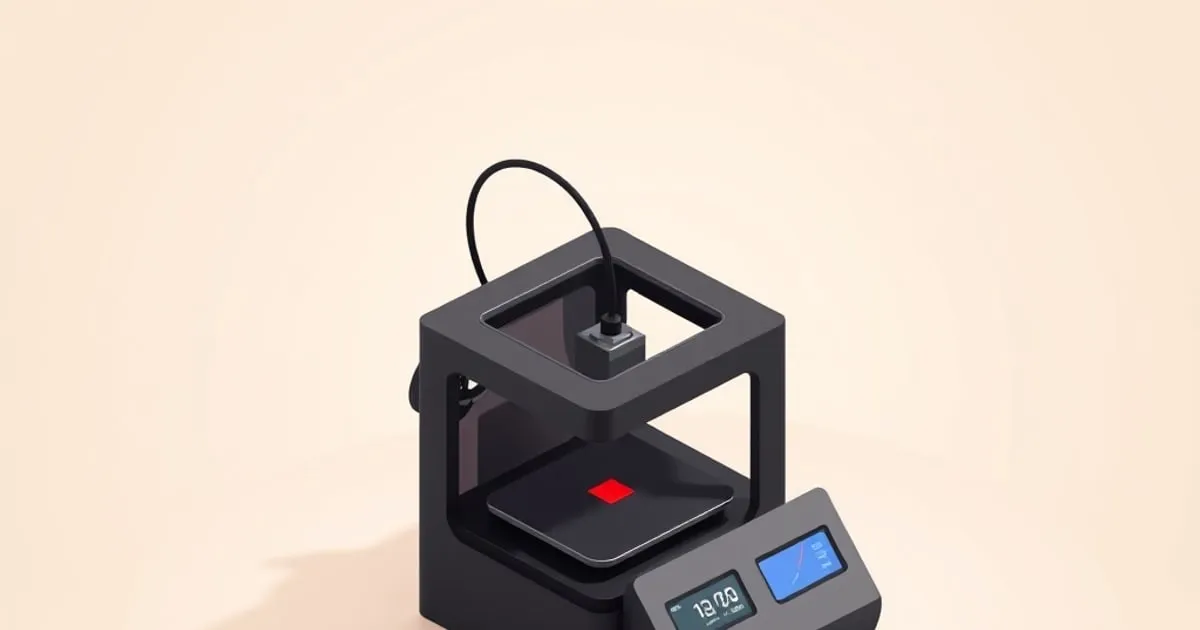
The X1 Carbon is Bambu Lab’s current flagship enclosed CoreXY printer. It ships with the Micro Lidar system for automatic first-layer calibration, vibration compensation that allows speeds up to 500mm/s on the X/Y axes, and an optional Automatic Material System (AMS) for multi-material printing. The enclosure uses glass and panel construction with an auxiliary part-cooling fan; the chamber is passively warmed by the heated bed rather than actively heated.
It sits at the top of Bambu’s consumer lineup on price — a clear step above the P1 series, with a further increment for the AMS combo. Check current pricing before buying; the relevant question here is whether it delivers enough over cheaper options to justify that gap.
The short answer: yes, for the right user profile.
Print Quality
Out of the box, the X1 Carbon produces prints that would require weeks of tuning to match on a budget machine. The first-layer calibration is genuinely automatic — not “assisted manual” like some competitors — and it works reliably on every surface Bambu ships with the printer.
Wall quality on PLA is excellent at 200mm/s. Reviewers report that ringing tower tests at 250mm/s show minor artifacts, but nothing visible in typical use. At 300mm/s you can see resonance effects on sharp corners; this is a real limit of the machine, not a tuning issue.
Layer adhesion: On vertical walls with PLA at 0.2mm layer height, cross-section tensile breaks through the layers, not between them — that’s what you want.
Overhang performance: With stock settings, the X1C handles 45° overhangs cleanly and 55° with acceptable surface quality. Above that you need supports. The automatic support generation in Bambu Studio is better than most, though reviewers note that generated tree supports often still need manual trimming on complex parts.
Fine detail: At 0.1mm layer height, PLA details down to about 0.4mm extrusion width are clean. This isn’t a resin printer, but it competes well with other FDM machines in its class.
The AMS Multi-Material System
The AMS is the X1 Carbon’s killer feature and its most discussed limitation. Here’s the honest picture (and if you hit jams, our AMS troubleshooting guide walks through every common error):
What works well: Four-spool automated filament changes without intervention (and Bambu supports chaining multiple AMS units if you need more colors). Color purging is handled in Bambu Studio automatically. Multi-material prints that would take hours of manual filament swaps on a traditional printer complete unattended. Multi-color decorative prints and functional multi-material assemblies (PLA shell, TPU gasket) both work in a single print.
What doesn’t work well: The AMS struggles with materials that have high friction or irregular spool profiles. Owner reports describe poor results running carbon-fiber reinforced nylon through the AMS, with repeated jams at the PTFE connector. Bambu’s AMS is designed for PLA, PETG, and ABS; anything more exotic needs direct filament loading.
The wasted purge material is real. On a multi-color print the purge towers can rival the weight of the part itself when many color changes are involved. Bambu Studio has “flush into support” and “flush into object” options that reduce this significantly, but you still lose material — budget for it on color-heavy jobs.
Hub spooling: The AMS feeds from up to four 1kg spools simultaneously. Buffer management is generally reliable; owners report that the rare buffer error usually self-resolves after a printer restart.
Material Range
The X1C handles a broad range of materials out of the box:
| Material | Result |
|---|---|
| PLA / PLA+ | Excellent — zero issues |
| PETG | Excellent — first-layer calibration compensates for PETG’s sticky behavior |
| ABS / ASA | Good — enclosure helps; large flat parts need draft shields |
| TPU (95A) | Good — direct loaded; don’t use through AMS |
| PA-CF (nylon carbon fiber) | Moderate — requires hardened nozzle, drying; occasional layer separation at high speed |
| PC | Moderate — the passive enclosure helps, but chamber temperature is on the low side for PC and large parts can still warp |
For most users — PLA, PETG, ABS — the X1C covers everything without extra setup. If you’re printing engineering filaments at scale, you’ll eventually hit its limits.
Micro Lidar and Auto Calibration
The Micro Lidar is Bambu Lab’s proprietary system for first-layer compensation and vibration calibration. It runs automatically before the first print and periodically thereafter.
In practice, reviewers report rarely touching bed leveling after setup; the system handles it. Whether it’s strictly necessary over a good manual probe (like the BLTouch) is debatable, but the user experience is dramatically better — you load filament and hit print. (When first layers do go wrong on a Bambu, it’s almost never leveling — our first-layer & calibration guide covers the real causes.)
One caveat reported by reviewers: on very fine-detail first layers (0.1mm layer height), the Lidar compensation sometimes over-corrects on smooth PEI sheets. Switching to Bambu’s textured PEI is reported to eliminate this.
What Bambu Should Fix
Spaghetti detection is slow. The camera-based failure detection triggers after several minutes of spaghetti, not immediately. On small prints this means a failed job destroys the build plate before the machine catches it. (Most of these failures are preventable upstream — see our guide to common print failures and their real causes.)
AMS error messages are cryptic. “AMS_FILAMENT_CHANGE_POSITION_ERROR” means nothing without documentation. A few firmware updates have improved this but it still lags competitors.
Bambu Cloud dependency. The full feature set requires a Bambu Cloud account and internet connectivity. LAN-mode printing is available but some features (remote monitoring, model library sync) are cloud-only. For a machine at this price, local-first should be the default.
Nozzle swap friction. The X1C uses a bayonet nozzle system that’s faster than the competition, but Bambu-branded nozzles carry a noticeable premium. Third-party options are available but need quality verification.
Who Should Buy This
Buy the X1 Carbon if:
- You print frequently and value reliability over tinkerability
- You want multi-material printing without an hour of setup per job
- Your primary materials are PLA, PETG, ABS, ASA
- You want to run unattended prints with confidence
Don’t buy the X1 Carbon if:
- You want to understand every part of how your printer works
- Engineering filaments (PA, PC, PEEK) are your primary materials
- Cloud dependency is a concern
- Budget is a hard constraint — the Bambu A1 mini or P1S delivers most of what most users need for meaningfully less money
Final Rating
The X1 Carbon is widely regarded as the best all-around enclosed FDM printer in its class. The reliability is real, the AMS is transformative for multi-color work, and Bambu Studio is the best bundled slicer in the industry. The cloud dependency and AMS limitations with exotic materials are genuine drawbacks, not marketing fine print.
Score: 4.5/5 — Buy it if it fits your use case; genuinely excellent hardware with software rough edges.
If you’re deciding between Bambu models, FDMDesk’s full comparison covers all price tiers ↗ including where the X1C sits vs. the P1S and A1 Mini. For Bambu Studio slicer settings specifically, SlicerGuide has a dedicated Bambu Studio section ↗. To jump straight to a model recommendation, try the interactive Bambu picker, or browse our full library of Bambu reviews and guides.
Related
Bambu Lab A1 mini Review: The Best Entry-Level Printer Now
The Bambu A1 mini delivers auto-calibrated, fast bed-slinger printing at the entry price point. Here's what you actually get, what you give up, and
Bambu Lab A1 vs P1S: Which Printer Is Right for Your Bench?
A spec-by-spec breakdown of the Bambu Lab A1 vs P1S — acceleration, enclosure, AMS options, material support, and price.

Bambu Maintenance Schedule: Keep It Printing
A practical maintenance schedule for Bambu Lab printers — what to do weekly, monthly, and by print hours to avoid the failures before they start.